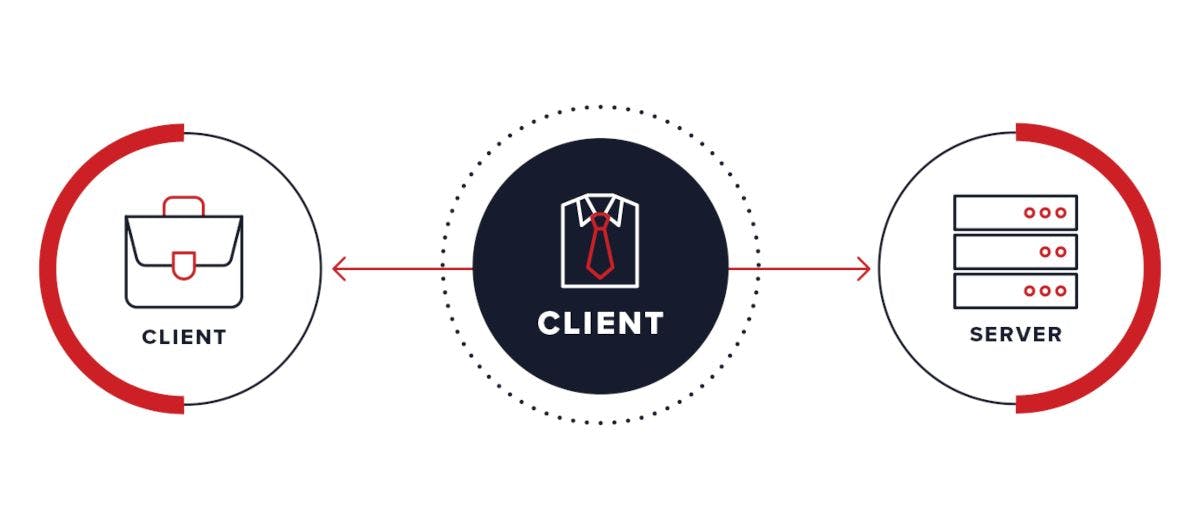
The Request-Response is the simplest and widely used model or pattern of communication over the Internet. Whenever you visit a website, query a database or make a call to 3rd party APIs, you’re using request-response. While it sounds simple that a client sends a request and the server replies with a response, let's take a deep dive by peeling the upper layer In this article, we’ll explore: What is the Request-Response model?Anatomy of Request-ResponseDoesn’t work everywhereDemo What is the Request-Response model? Anatomy of Request-Response Doesn’t work everywhere Demo What is the Request-Response model? From a very fundamental view, the request-response model contains two entities, the client and the server The client sends a request to the serverThe server parses the requestProcess the parsed requestThe server sends back a responseThe client parses and consumes the response The client sends a request to the server The server parses the request Process the parsed request The server sends back a response The client parses and consumes the response Behind this straightforward flow, there are a lot of things going on in the background, such as parsing, serialisation and deserialisation of the payload and network latency. The payload can be of any format, like JSON, XML or Protocol Buffers The request-response model is used in HTTP, HTTPS, SSH, DNSRPC(remote procedure calls)SQLAPIs (REST/SOAP/GRAPHQL) HTTP, HTTPS, SSH, DNS RPC(remote procedure calls) SQL APIs (REST/SOAP/GRAPHQL) Anatomy of Request-Response Going back to the point when a client sends a request, the request has a specific set of format or structure such that the server should be able to identify the request and able to parse it. It is not like the client sent mail or any kind of message; it is usually a stream of data. Here is the basic structure of the request and response The Request is defined in both the client and the serverA request has a boundaryIt is defined by a protocol or method name and a message formatThe same applies to the Response as wellThe image below is a dissected view of the (HTTP) Request-Response.Requests and responses share a common structure in HTTP The Request is defined in both the client and the server A request has a boundary It is defined by a protocol or method name and a message format The same applies to the Response as well The image below is a dissected view of the (HTTP) Request-Response. Requests and responses share a common structure in HTTP Doesn’t work everywhere Every pattern or model in tech has some limitations, and that's fine, everything need not be used everywhere and in the same light request-response model also is not designed to be used. Here are a few scenarios Notification service Notification service A notification is something that the client gets notified of when some actions occur like getting a WhatsApp app message without the client requesting anything to the server. To implement the request-response model here, the client needs to continuously send requests to the server, which will create congestion in the network and memory exhaust and several other issues Chatting application Chatting application In the chatting application also we don't request a response rather they are sent bidirectional way at any point in time Long requests Long requests The are some cases when we need to submit a job that will run in the background and the results are sown when the job gets completed. In this case, also request-response model can’t be used as we need to wait for a long time days in time. Demo Now let's try to trace the request-response using curl and see what it looks like. So let's get started by running the following command in the terminal curl -v --trace out.txt [<http://google.com>](<http://google.com/>) curl -v --trace out.txt [<http://google.com>](<http://google.com/>) Once you run this command, it should create an out.txt file so let's open that and see. The first thing that happens on sending a request is resolving the hostname After the hostname gets resolved, it then tries to establish a TCP connection with the server. On a successful TCP connection, the headers sent to the server As this is a simple GET request, there is no body involved, and the client part is done in sending the requests. The server now processes the reques,t and the response headers from the server will begin We can see in the above image how the stream of data is being sent. After receiving all the response headers the server will send the body or data that generally gets rendered in the UI This is a simple demonstration of how the request and response work. Hope you enjoyed it. If so, please give it a like and follow for more such content. Thank you