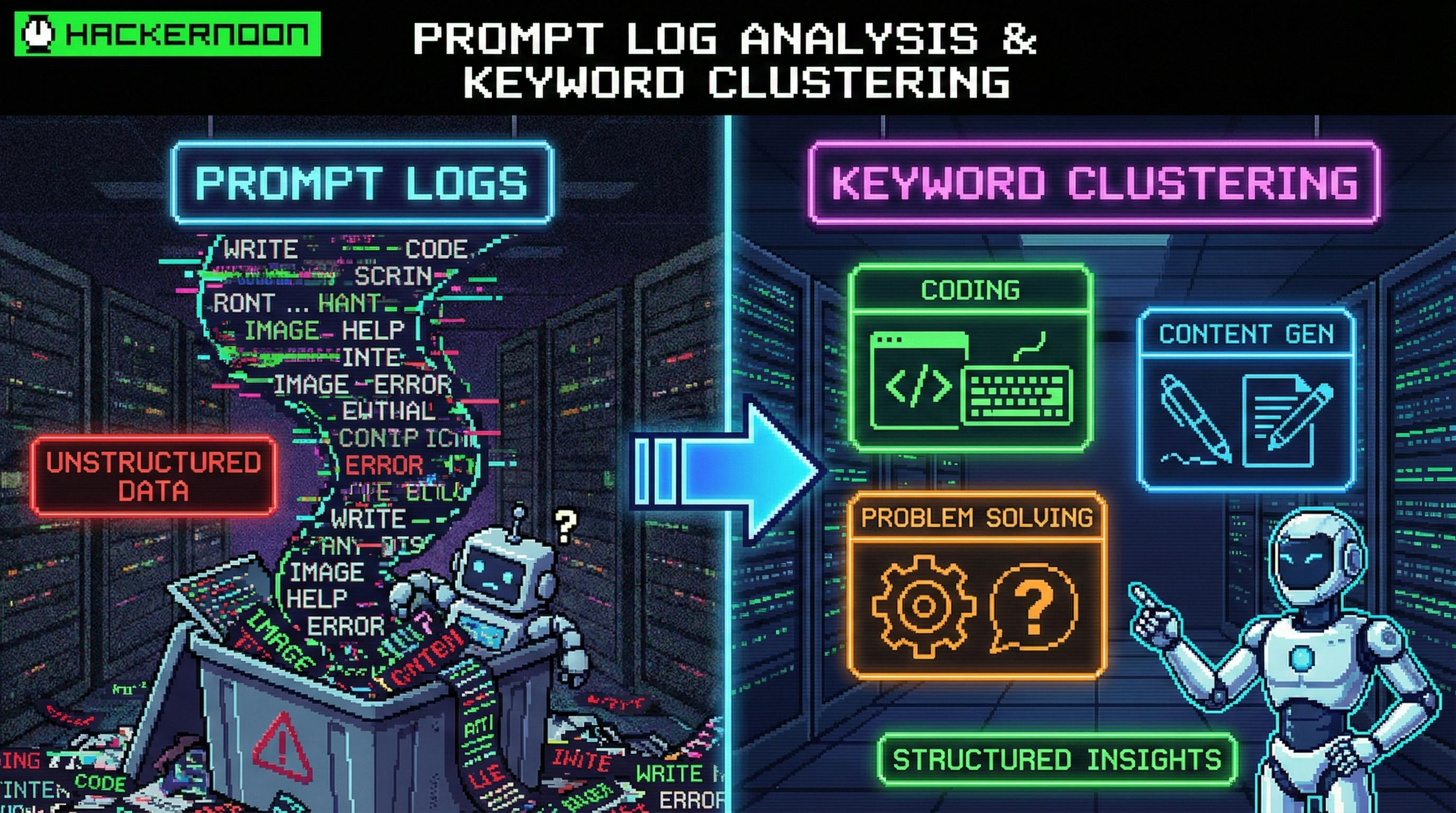
なぜ2026年には日記が痛くなるのか 記録は「真実」であるが、それらもまた、 : least ergonomic data format ever invented スケール: GB / TB per day is normal. Human eyeballs are not. フォーマットドリフ:Apache、Nginx、JVM、コンテナランタイム、アプリログ、ベンダーSDKログ...それぞれ独自のスケジュール(またはスケジュールの欠如)をもたらします。 Hidden coupling: The real root cause often lives in co-occurring messages (timeouts + pool exhaustion + CPU spikes), not a single keyword. 実際の根本原因は、単一のキーワードではない。 LLMsは、単純な英語で意図を記述できるので、方程式を変更します。 全編を前もって書くことなく、 then force structure on output しかし、キーワードは . 力 良いプロンプトは「これらのログを分析する」のではなく、良いプロンプトは契約です。 The mental model: prompts as contracts, not questions. 心理モデル:プロンプトは契約ではなく質問として あなたのプロンプトを API スペックのように考えてください: Inputs: What you provide (log snippet, timeframe, schema hints) タスク: モデルが計算しなければならないもの(フィルター、抽出、カウント、クラスター) 出力スケジュール:結果がどう見えるか(テーブル/JSON、特定フィールド) 制限:何を無視するか、エッジケースを処理する方法、ルールの命名。 これらを指定しない場合は、モデルは喜んであなたに小説を与えます。 Part I — Log analysis prompts that don’t hallucinate ロゴ分析プロンプト 5ブロックプロンプト テンプレート(戦闘テスト) これをデフォルトの骨格として使用してください: 1) Role: You are a {domain role} specializing in {log type} analysis. 2) Context: System + timeframe + what "good" looks like. 3) Data: Paste logs or provide a schema + sample lines. 4) Tasks: Bullet list of explicit operations to perform. 5) Output: Strict schema (table or JSON). Include edge-case rules. 大きな影響を及ぼす小さな一歩: (JSONまたは厳格なテーブル) 人間が後で読むなら、偉大な―人間はJSONを読めます。 make the output machine-checkable シナリオA — 事件の分類:エラー/FATAL、正常化、デッドペップを抽出 以下は、オンコールチームメイトのように振る舞うプロンプトです。 Role: You are a senior SRE. You extract incident-relevant signals from mixed application logs. Context: - System: Checkout Service (Java) + Redis cache + MySQL - Goal: Identify actionable error patterns for a post-incident summary - Time window: 2026-02-16 19:10–19:20 UTC Data: {PASTE LOGS HERE} Tasks: 1) Filter only ERROR and FATAL entries. 2) For each entry, extract: - ts, level, service/component (if present), exception/error type, resource (host/ip/url), raw message 3) Normalize error types: - e.g., "Conn refused", "Connection refused" -> "Connection refused" - Stack traces: keep only top frame + exception class 4) Deduplicate identical errors; count occurrences. 5) Produce top-3 error types by frequency. Output (strict JSON): { "window": "...", "total_errors": 0, "top_errors": [ { "error_type": "", "count": 0, "example": { "ts": "", "level": "", "resource": "", "message": "" } } ], "all_errors": [ { "ts": "", "level": "", "error_type": "", "resource": "", "message": "" } ] } Constraints: - Never invent fields. If missing, use null. - Keep error_type <= 40 chars. なぜこれが働く あなたは「分析」を求めているのではなく、抽出 + 正常化を求めているのです。 欠けているフィールドに対してゼロを要求することによって、創造性を妨げます。 あなたは、ストーリーを語る代わりに、合計を強制する数を要求します。 シナリオB — Product analytics: compute funnels from behavior logs トップ > 行動記録 > You care about そして 足跡を残さない。 異なるユーザー コンバージョン MATH Role: You are a product analyst. You compute funnel metrics from event logs. Data: Each line is one event: YYYY-MM-DD HH:MM:SS | user_id=... | event=... | item_id=... | device=... Tasks: 1) For item_id=SKU-9411, count each event type. 2) Compute unique users per event (dedupe by user_id). 3) Compute: - view->add_to_cart - add_to_cart->purchase 4) If denominator is 0, return "N/A" and explain. Output: - Table: event, events_count, unique_users - Then: formulas + results (2 decimals) シナリオC - トレンド分析:スポットピーク、仮定原因(慎重に) Trend prompts fails when you let the model "explain" before it "measures" モデルが「測定する」前に「説明する」ことを許可する場合。 まずは測定を義務付けましょう: Tasks: 1) Identify peak windows (>= P95) and trough windows (==0). 2) Describe the trend using only the provided numbers. 3) Provide 3 hypotheses, each tied to at least one data point. 4) List 5 follow-up queries you'd run in your log tool to validate. これは、「もしかしたら展開が起こったかもしれない」が童話になるのを止めます。 Part II - 実際に役に立つキーワードクラスター キーワードクラスタリングは、チームが時間を無駄にしているところで、誰もがタクソノミーについて議論しているからです。 タクシーを定義する。 クラスターテンプレート(6ブロック) 1) Role: You are an NLP engineer for operational logs. 2) Input: List of keywords/errors (raw strings). 3) Dimension: Cluster by {fault type | subsystem | user journey stage | time correlation}. 4) Rules: - Each keyword belongs to exactly one cluster. - Provide a short cluster name + description. - If ambiguous, choose best fit and add rationale. 5) Output: JSON array of clusters. 6) Constraints: 3–7 clusters total, names <= 20 chars. 例: cluster by fault type (ops-friendly) 入力リスト(意図的に混乱) DB Conn タイムアウト MySQL: 接続拒否 ハンドシェイク失敗 java.lang.OutOfMemoryエラー 502 バッド・ゲートウェイ Thread pool exhausted NullPointerException at OrderHandler キャッシュタイムアウト/cart CPU 利用率 99% 早速出力は以下のようになります。 [ { "cluster": "Resource Connect", "keywords": ["DB conn timeout", "MySQL: Connection refused", "Redis handshake failed", "Cache timeout /cart"], "notes": "Downstream connectivity and timeouts (DB/cache/network). Owner: SRE" }, { "cluster": "Code Exceptions", "keywords": ["NullPointerException at OrderHandler", "java.lang.OutOfMemoryError"], "notes": "Application-level exceptions. Owner: Dev" }, { "cluster": "Gateway/Infra", "keywords": ["502 Bad Gateway", "CPU usage 99%", "Thread pool exhausted"], "notes": "Edge/proxy errors and capacity saturation. Owner: SRE/Platform" } ] 欠けているものに注意してください: “AI vibes.” This is directly mappable to . who does what next 非性的な真実:あなたはまだプレプロセッサが必要です LLMは、以下を置き換えるものではありません: タイム フィルター 抽出フィールド サンプル DEDUPLICATION join/correlation across signals シグナル 書き換えに代わるもの フォーマットが変わるたびに 習慣 優勝したワークフローは: Tool does the slicing. LLM does the sense-making. ツールは切断をします。 Tool does the slicing. LLM does the sense-making. 高度なワークフロー 1 — Elastic (ELK) + prompts: reduce TB → 200 lines → clarity 実践的な演技: Use your log platform to filter: service=checkout level >= ERROR @timestamp: 19:10–19:20 小さなサブセット(50~300行)をエクスポートします。 ソリューションプロンプト(JSON output)にフィードします。 抽出された error_type 文字列を clustering prompt に送信します。 チームが採用している場合 エラスティック・ツールリングでは、さらに良い: EŞQL は、LLM にデータを転送する前に「プレ・ジュイン」(たとえば、ユーザレイヤーまたはリージョンを添付)を行うことを容易にします。 ES|QL Advanced Workflow 2 — OpenTelemetry logs: pay once, analyze everywhere (OpenTelemetryログ:一度支払い、あらゆる場所で分析) 記録基準に影響を与えられる場合は、以下のことを行います。 一貫した属性(service.name、deployment.environment、http.route、db.systemなど)を採用します。 メッセージを人間に読めるようにするが、重要な事実も構造化されたフィールドであることを確認する。 なぜですか? なぜなら、LLMのプロンプトは、フィールドが一貫しているときに劇的に単純になるからです。 「extract error.message and db.statement」は「このブロブの意味を推測する」と表示されます。 あなたのログが構造化されていない場合、あなたのプロンプトはパッサーになる必要があります。 そして、パーサーは、喜びが死ぬ場所です。 Advanced Workflow 3 — Python preprocessing + prompt clustering (with a twist) より あなたのログがフリー形式であるとき、A 基本を手に入れるために 最小限 以下は、あなたがLLMプロンプトに貼り付けることができるJSONに原行を変換する少し調整された例です。 (枠組みを作らない) reduce chaos import re import json RAW = [ "2026-02-16 19:12:05 ERROR checkout Thread-17 DB connection timeout url=jdbc:mysql://10.0.4.12:3306/payments", "2026-02-16 19:12:19 WARN checkout Thread-03 heap at 87% host=app-2", "2026-02-16 19:13:02 ERROR cache Thread-22 Redis handshake failed host=10.0.2.9:6379", "2026-02-16 19:13:45 FATAL checkout Thread-17 java.lang.OutOfMemoryError at OrderService.placeOrder(OrderService.java:214)" ] PATTERN = re.compile( r"(?P<ts>\d{4}-\d{2}-\d{2} \d{2}:\d{2}:\d{2})\s+" r"(?P<level>DEBUG|INFO|WARN|ERROR|FATAL)\s+" r"(?P<service>\w+)\s+" r"(?P<thread>Thread-\d+)\s+" r"(?P<msg>.*)" ) def parse_line(line: str): m = PATTERN.match(line) if not m: return {"ts": None, "level": None, "service": None, "thread": None, "msg": line} d = m.groupdict() # lightweight resource hints (optional) d["resource"] = None if "host=" in d["msg"]: d["resource"] = d["msg"].split("host=", 1)[1].split()[0] if "url=" in d["msg"]: d["resource"] = d["msg"].split("url=", 1)[1].split()[0] return d structured = [parse_line(x) for x in RAW] print(json.dumps(structured, indent=2)) 現在、あなたのLLMプロンプトは、 : クリーン エラーレベル(FATAL) msg を error_type に変換する cluster by service or fault type(サービスまたはエラータイプ) 一般的な迅速な失敗(および修正) 1) “Analyze these logs” (aka: please ramble) : 需要抽出タスク + 厳格な出力スケジュール Fix (2)コンテキストウィンドウ タイムフレーム/システムコンテキストを指定しない場合、モデルは「正常な騒音」と「事故」を分離できません。 ◎追加 . Fix システム+ウィンドウ+ゴール (3)クラスタリング次元は曖昧である。 「これらを関連性によってグループ化」は、「Misc」と呼ばれる14のクラスターを得る方法です。 : 次元を定義し、クラスターを 3-7 に保持します。 Fix (4)エッジケース政策なし ゼロによる分割、空の入力、曖昧なキーワード...モデルは推測します。 具体的な政策: で、 「新しいクラスターを作る」など、 Fix null N/A 5)Role prompting as a crutch(クロッチャーとして役割を促す) 「Senior SRE」の人物は、出力を正しくしない。 タイトル: treat role as tone only; correctness comes from . Fix タスク + スケジュール + 制限 あなたがチームウィキに落とすことができる再利用可能な「プロンプトパック」 トライアング・プロンプト(ERROR/FATAL → JSON) 事件の概要とハンドオフのための使用。 2) Metrics prompt (events → funnels) サンプルログから製品/オプションダッシュボードに使用します。 トレンド・プロンプト(Time Series → Spikes + Hypotheses + Follow-ups) 「何が変わったか」のセッション 4) Clustering prompt (keywords → 3-7 incident buckets) 「Live Error Taxonomy」を構築する Closing: What “Good” Looks Like これを正しく行うと、呼び出しのフローが変更されます: 「grep + intuition + Slack archaeology」 「filter → prompt → structured summary → owner → next query」 魔法じゃない、自律的なエージェントじゃない、あなたとモデルとの間の規律的な契約だけだ。 そして、それがログを再びデータのように感じさせるのに十分です。


